Freshdesk Tool
Learn how to integrate Freshdesk with Insighto.ai to automatically create support tickets from form submissions.
Setup Freshdesk Tool
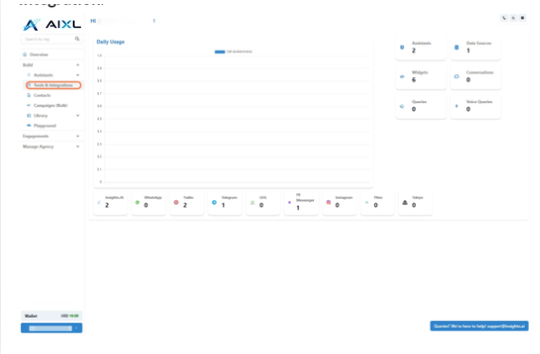
- Go to Tools & Integration
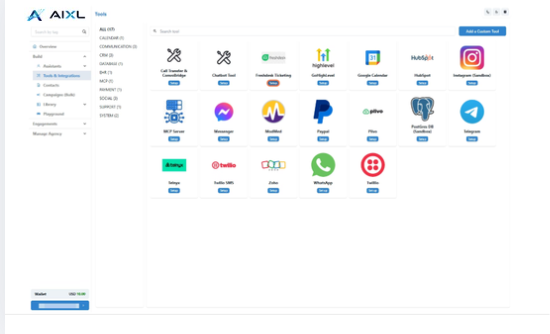
- Locate the Freshdesk Tool and Click Set Up
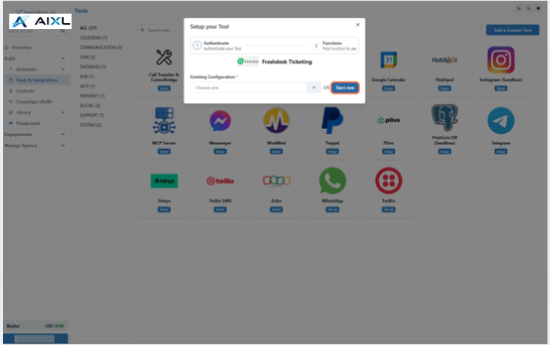
- Click on Start New
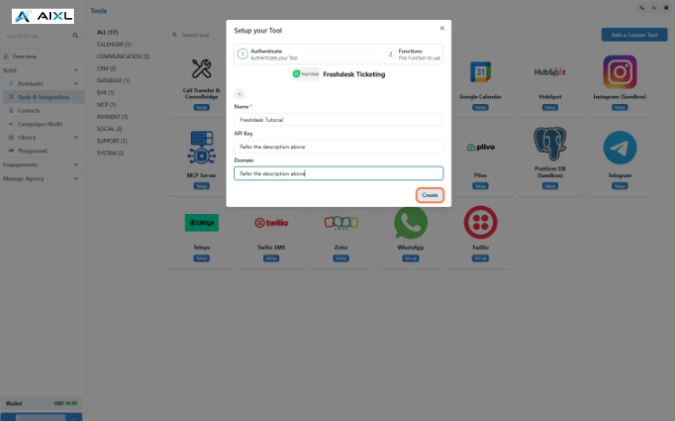
- Configure Freshdesk Tool Settings
To set up the Freshdesk tool, enter:
- A name for the integration
- Your Freshdesk API Key
- Your Freshdesk domain
How to retrieve these details:
- Log in to your Freshdesk account.
- Go to Profile Settings from the top-right profile menu.
- Copy your API Key from the Your API Key section.
- Identify your domain from your Freshdesk URL (e.g.,
https://yourdomain.freshdesk.com→yourdomain).
- Enable Create Ticket Function
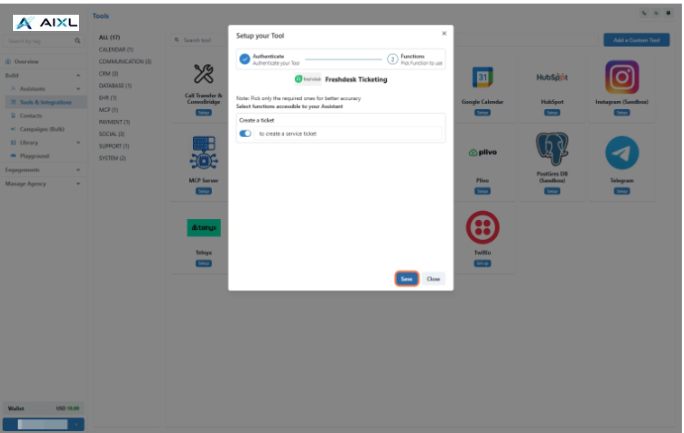
Connect With Forms to Use on Assistant
- Navigate to Forms Section
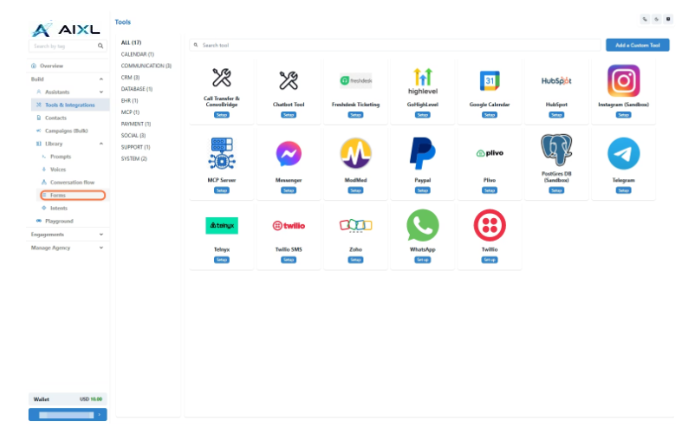
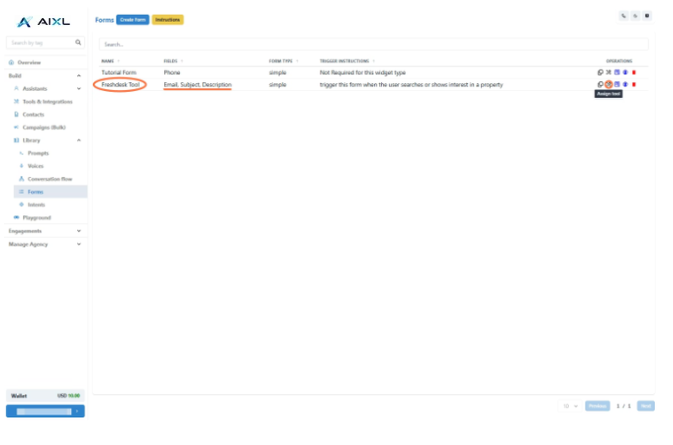
- Connect Freshdesk Tool to Form
- Select Tool Type and Configuration
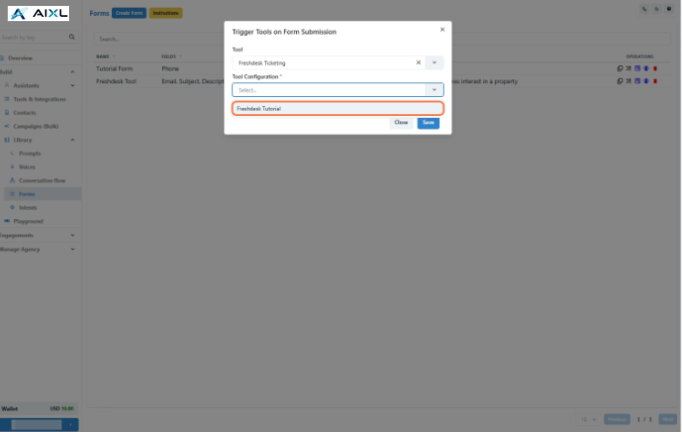
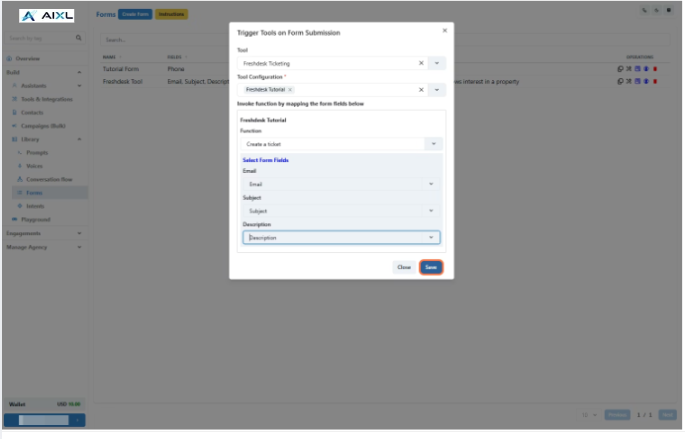
- Map Form Fields and Finalize Connection
- Connect Form to Assistant and Trigger
Attach the form to your assistant using the Instructions block. When a user submits it, a Freshdesk ticket will be created.