Features
Campaigns
The Campaigns feature helps you automate outreach to your contacts by scheduling voice calls using an AI voice agent.
✅ Prerequisites
Before creating a campaign, make sure you have the following:
- A voice agent deployed on a phone number through a supported provider like Twilio, Plivo, or Telnyx.
- A list of leads (contacts) you want to reach out to during the campaign.
👥 Add Contact in Insighto
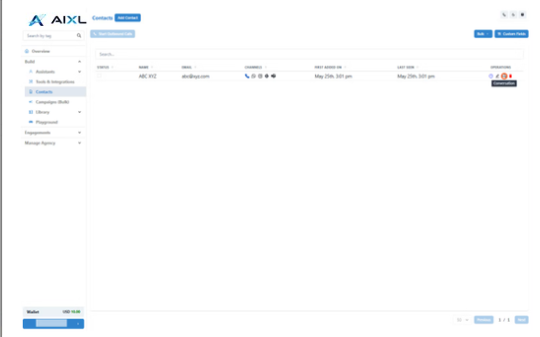
- Go to Contacts Section
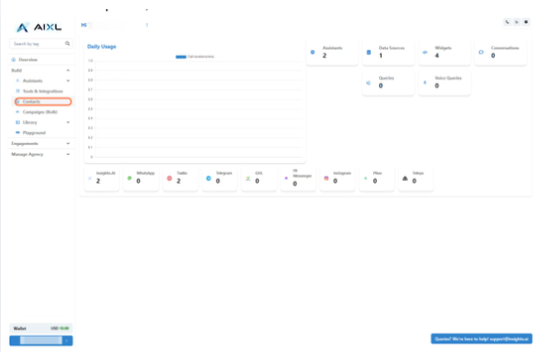
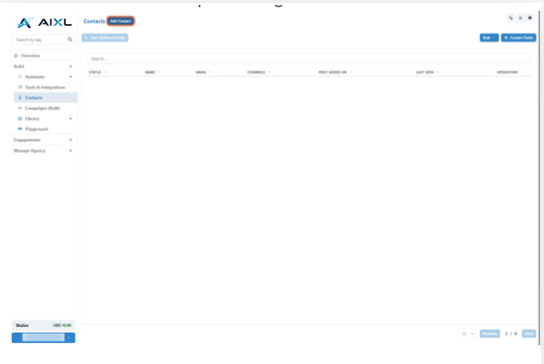
- Add a Single Contact
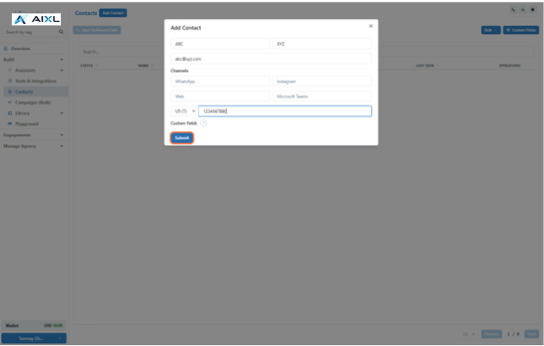
- Enter the Details & Click on Submit
- Upload Contacts in Bulk
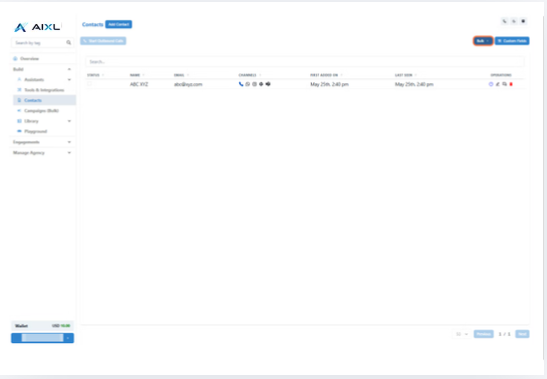
📞 Create Campaigns (5 Steps)
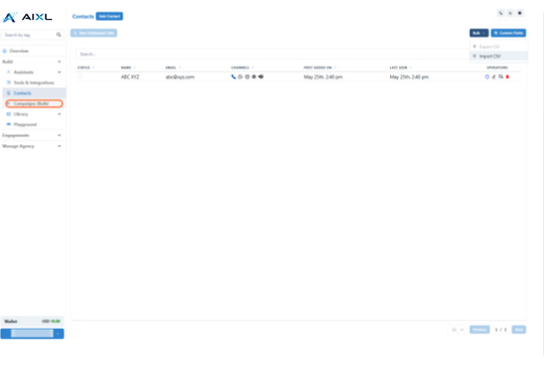
- Go to Campaigns Section
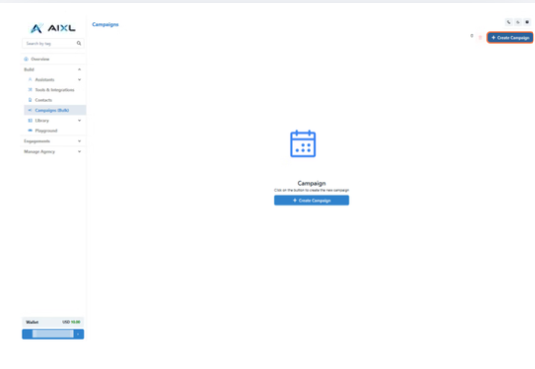
- Click on Create Campaign
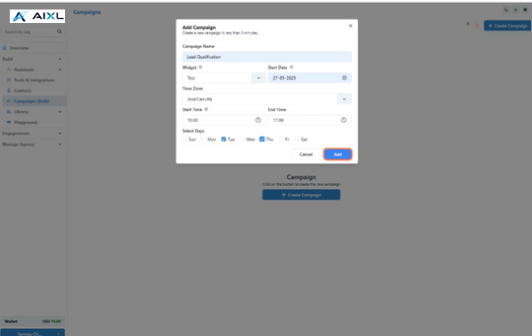
- Enter the Details and Click on Add
- Name your campaign (e.g., “Lead Qualification Campaign”)
- Select the Voice Widget you want to use for calling
- Set the start date, time zone, and daily calling hours
- Choose the days of the week for the campaign to run
- Click Add
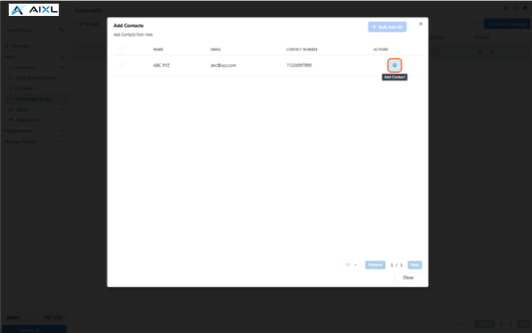
- Select the Contacts and Click on Close
- Enable and Monitor Your Campaign
Once your setup is complete:
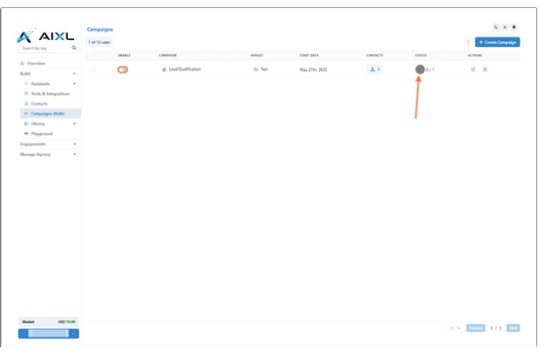
- Toggle to Enable the campaign.
- It will run based on your defined schedule.
- Track the status and performance of the campaign in the interface.
📊 After Campaign
- Check the Conversations After Campaigns
You can:
- Review conversations for a specific contact in the Contacts section, or
- Track all conversations in the Engagement section from the left panel.